Product accuracy
We use your product references to agree the shape, materials and features that matter in the finished work.
Urban3D / Intelligent Production
Intelligent Production is Urban3D’s managed CGI, AI and film service. We build a reusable virtual set around your product.
Choose the products, people, places and props for your film or stills. We manage that library so your team can return to the set for new launches and campaigns.
Explore the production setThe asset library
Your library holds the individual pieces. A production set is where we put your choices together to tell a particular story.
For a medical launch, choose the device, the clinician, the patient and the room. A product view can show the controls in detail. A film in the same room can show how a clinician positions the equipment beside a patient.
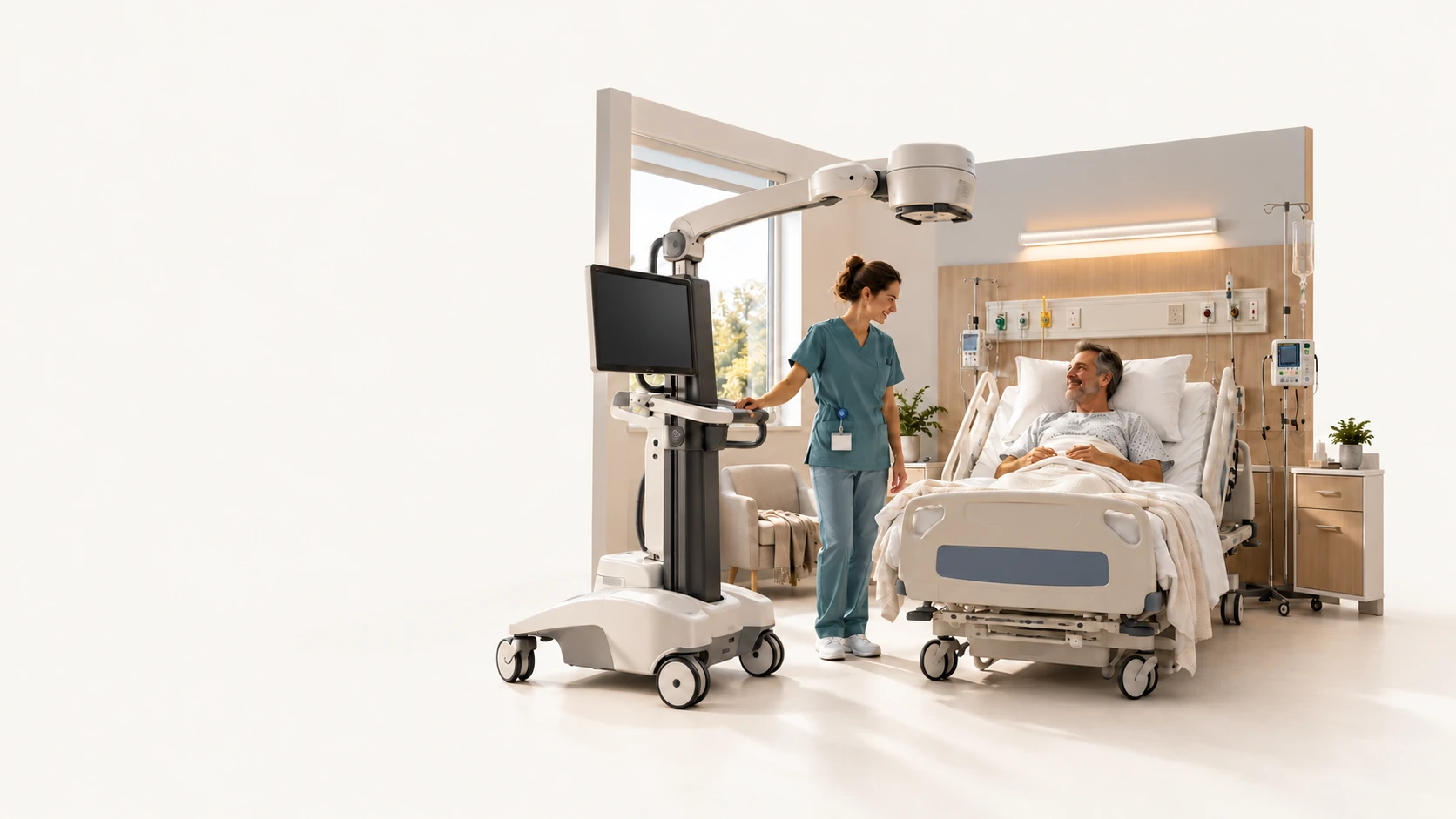
Show a product from every side or reveal a moving part hidden inside it.
Take the story to an exhibition screen, a launch campaign or an interactive showroom.
Return to the set for a new finish, a different audience or the next model in the range.
Commissioned work
Three views from our work for Carestream Health. Each answers a different question a buyer or a clinician might ask.
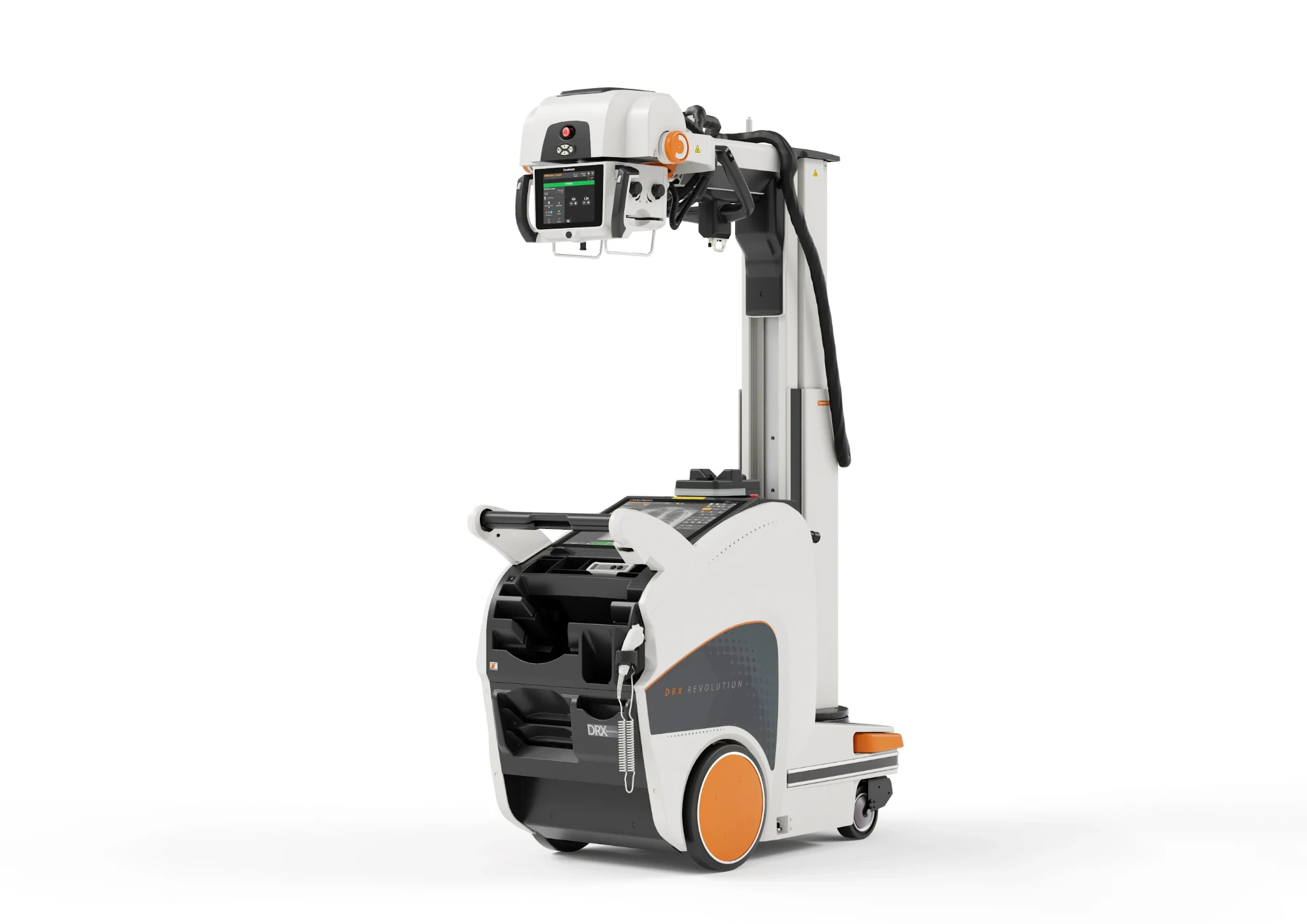
Carestream / Product imagery
An isolated view of the DRX-Revolution puts its mobile base, arm and tube head in plain sight.
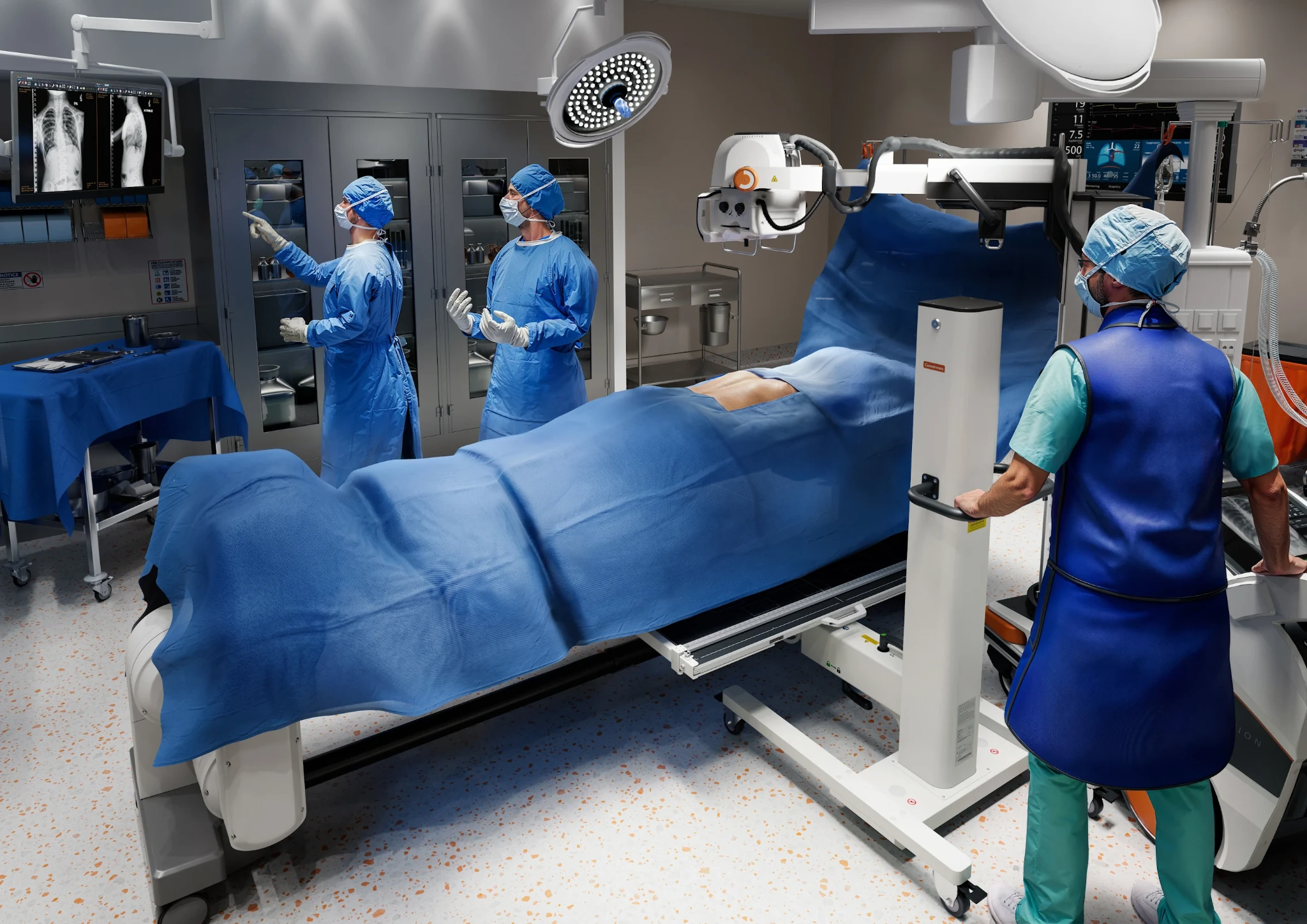
Carestream / Clinical imagery
The operating room gives the equipment scale. Viewers can see where the system sits in relation to the patient and staff.
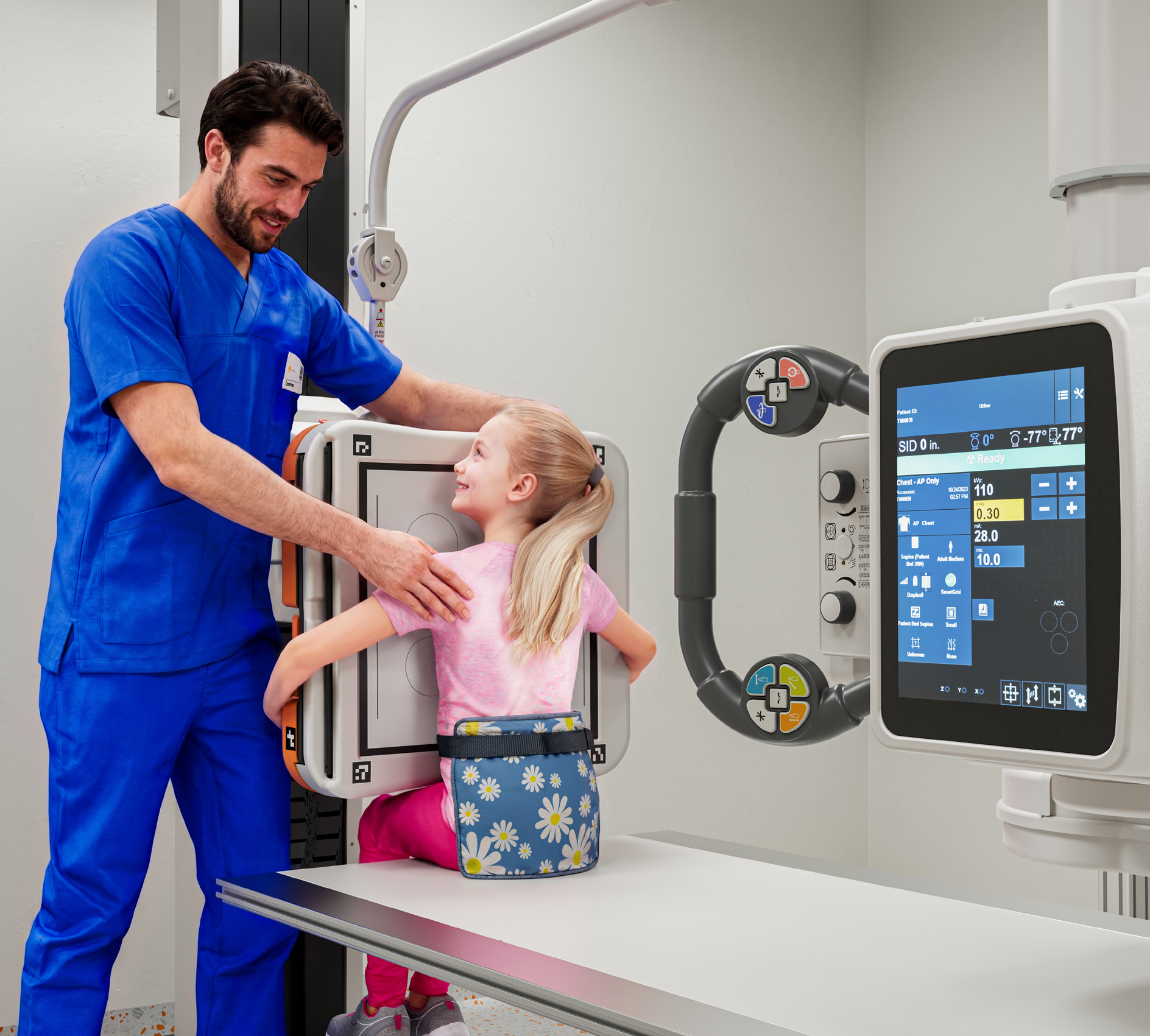
Carestream / People and product
A clinician helps a young patient into position at the DRX-Evolution Plus. That one interaction makes the purpose of the equipment easier to understand.
Creative direction
CGI gives us control over the product detail. AI and film broaden the settings and performances we can direct around it. Your team decides which details and messages the audience needs to understand.
We use your product references to agree the shape, materials and features that matter in the finished work.
A clinical demonstration and a consumer launch need different settings, people and tones. Our creative team directs each to suit its audience.
Your reviewers see how the product appears and how it is used. Product details, claims and final content come back to your team for approval.
Launch planning
One range can support a whole launch.
Take a cabinet collection. A retailer, a customer choosing a finish and a designer specifying a range each need to see something different.
Before launch
Use approved designs for a retailer preview before the physical display kitchen is ready.
At launch
Choose a sage Shaker front, pair it with a kitchen set and show someone opening the drawer. The same setting can supply the launch film and catalogue stills.
After launch
For the next campaign, show the collection in a new colour or kitchen style. Keep the product details that your team has already approved.
The next brief
Your next brief starts with the assets you have already commissioned.
We check what still matches the range, what needs an update and what the new audience needs to see. That helps you judge the scope of the next commission.
| Production element | First project | Next project |
|---|---|---|
| Product | Approve the cabinet profile, finish and fittings. | Keep the profile and introduce another finish. |
| Setting | Choose a kitchen, its props and the person using it. | Use the kitchen again or commission a bathroom set for a vanity range. |
| Deliverables | Launch with a film and catalogue imagery. | Brief a dealer presentation, a short feature film or a seasonal campaign. |
Commissioning Urban3D
Bring a brief for a product film, animation or stills. We agree the story, formats, usage and budget with you and deliver the finished work.
If your team needs content across launches, markets or seasons, we can retain and manage the agreed assets for you. You brief us again as your range and campaigns develop.
Before we begin
Tell us who the work is for, what they need to understand and when you need it. Product references, available CAD or photography, and approved brand materials help us scope the brief.
Yes, where approved design information is available. We agree which details are ready to show and check any changes with your product team before release.
You receive the finished content and usage agreed for the commission. Urban3D manages the production files. For an ongoing library, we agree which assets to retain, for how long and how they can be used in later briefs.
Your next brief
Tell us about your product, who you want to reach and what you need for your next launch.
Discuss your brief